 yuyr
59a38513a4
yuyr
59a38513a4
测试方案: - lm2机器端口映射到本机:18080, 18081, 8082-8085 - 访问URL: http://localhost:18080/dashboard 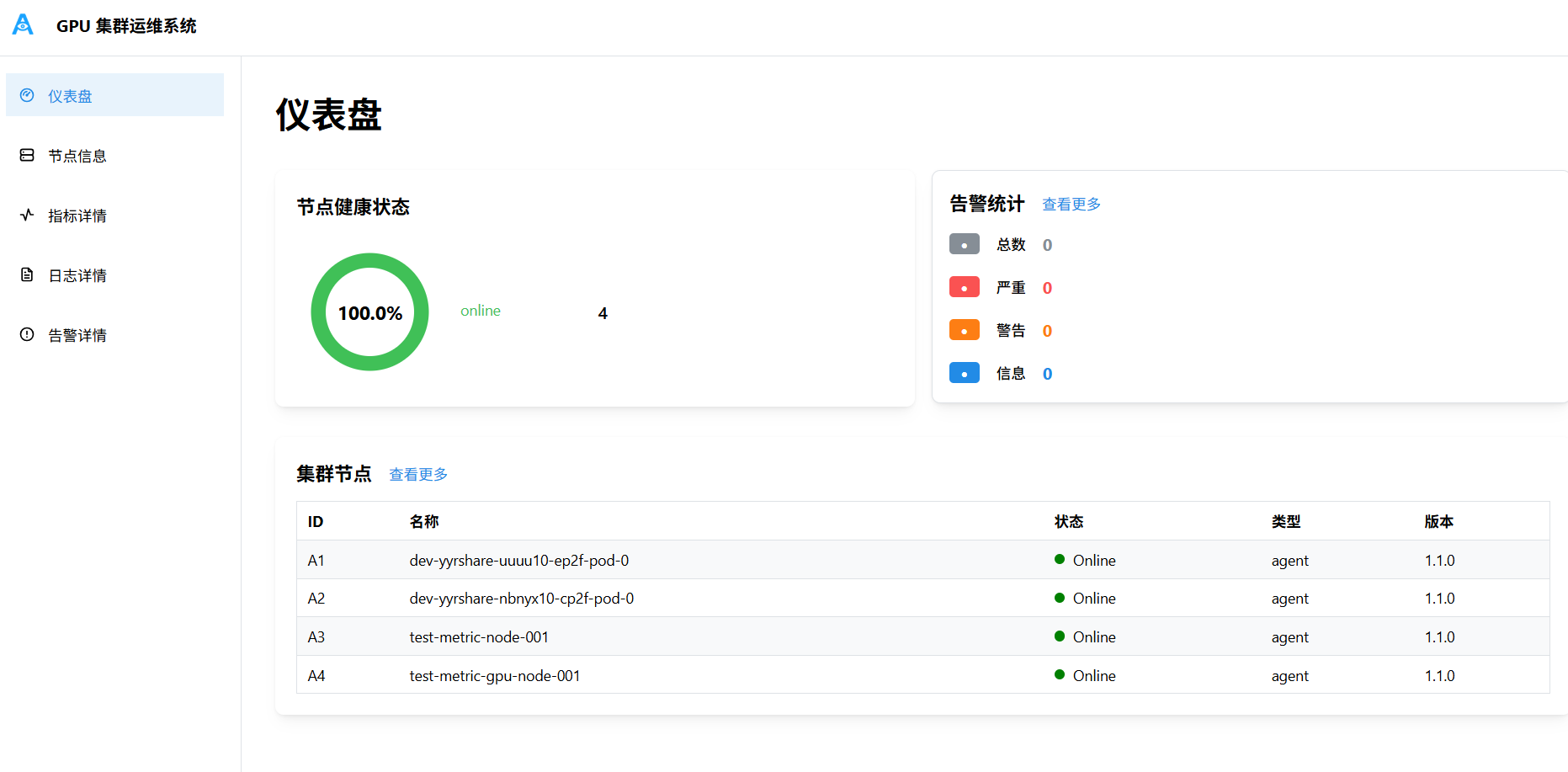 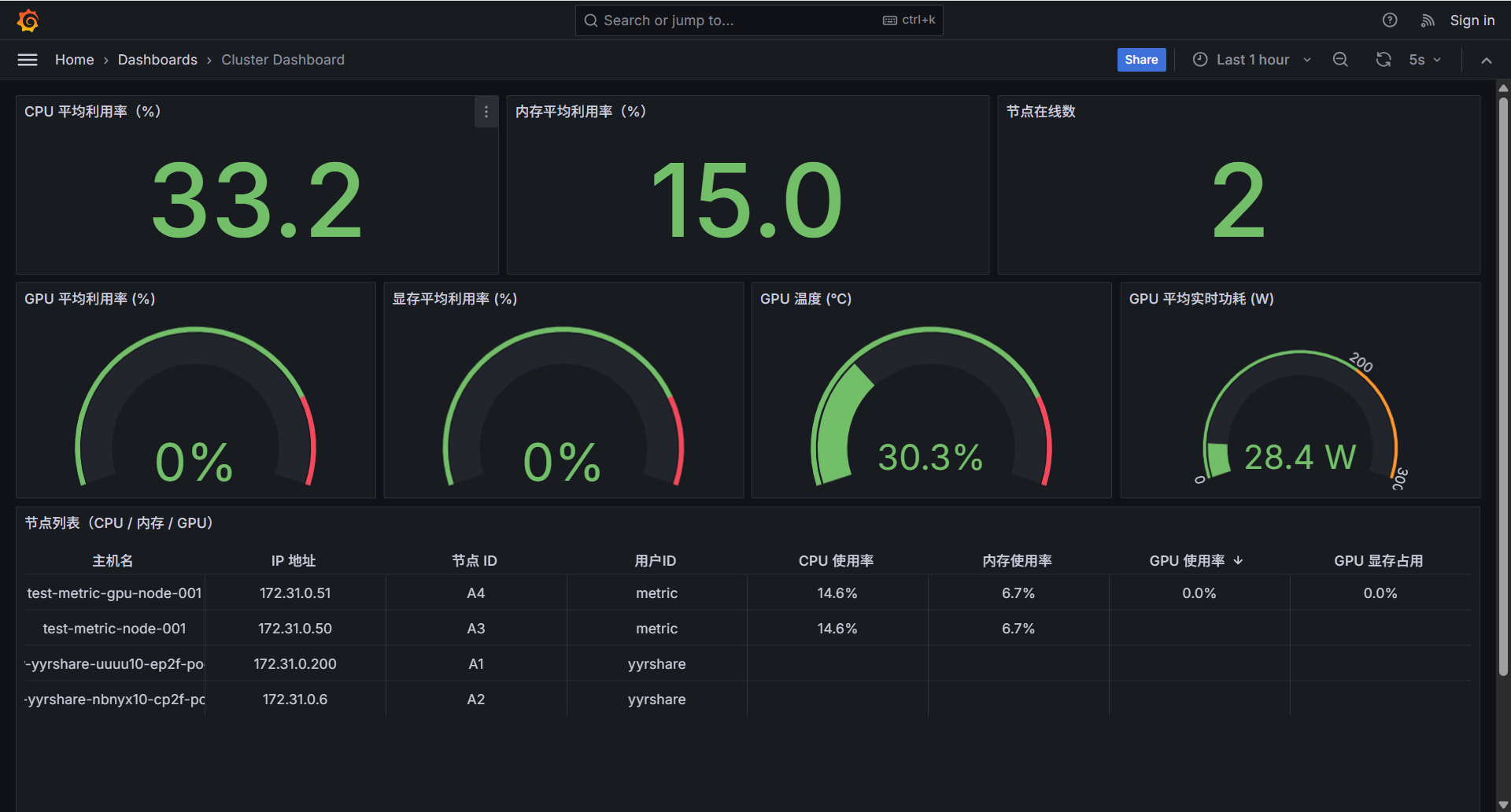 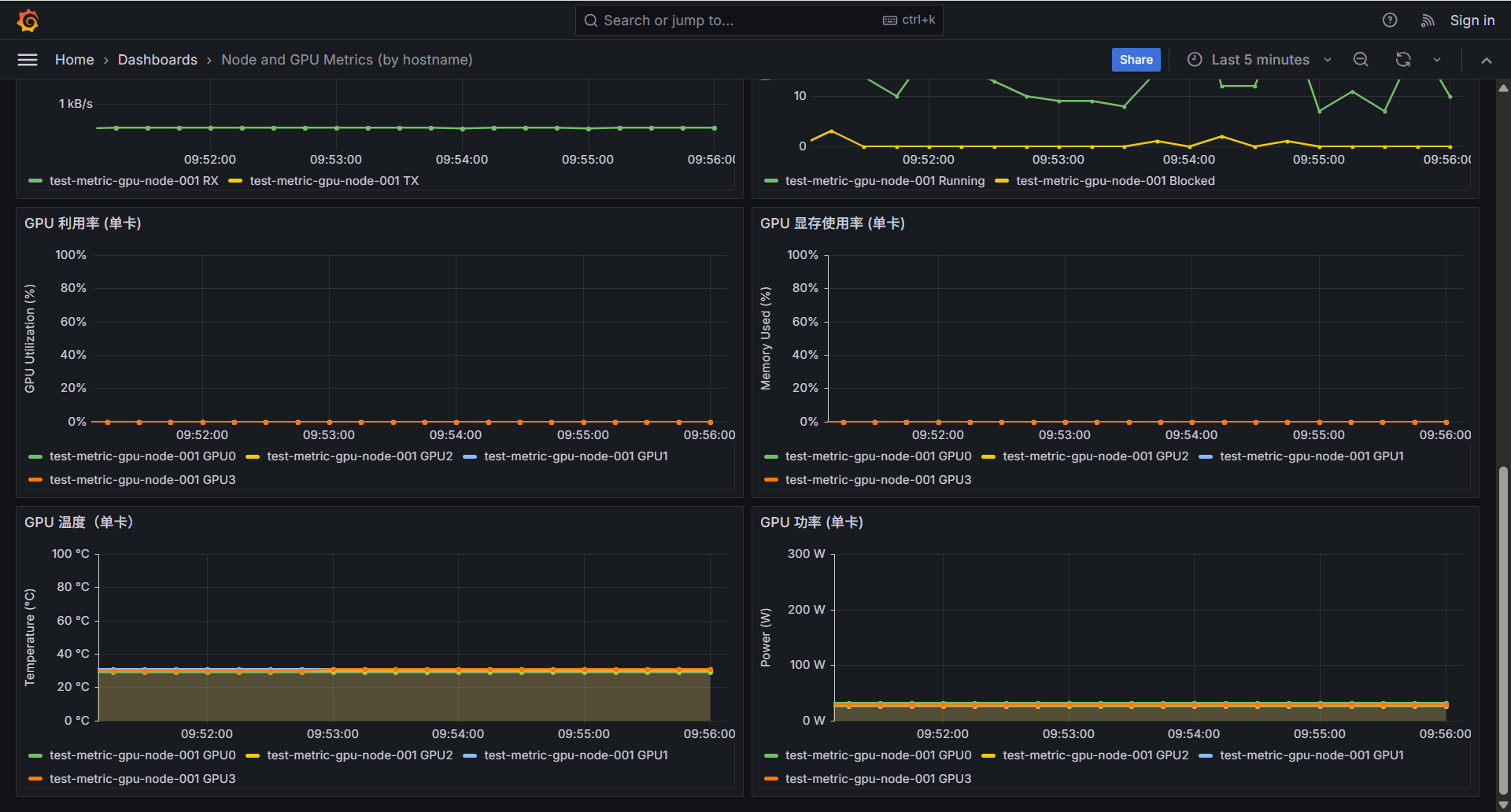 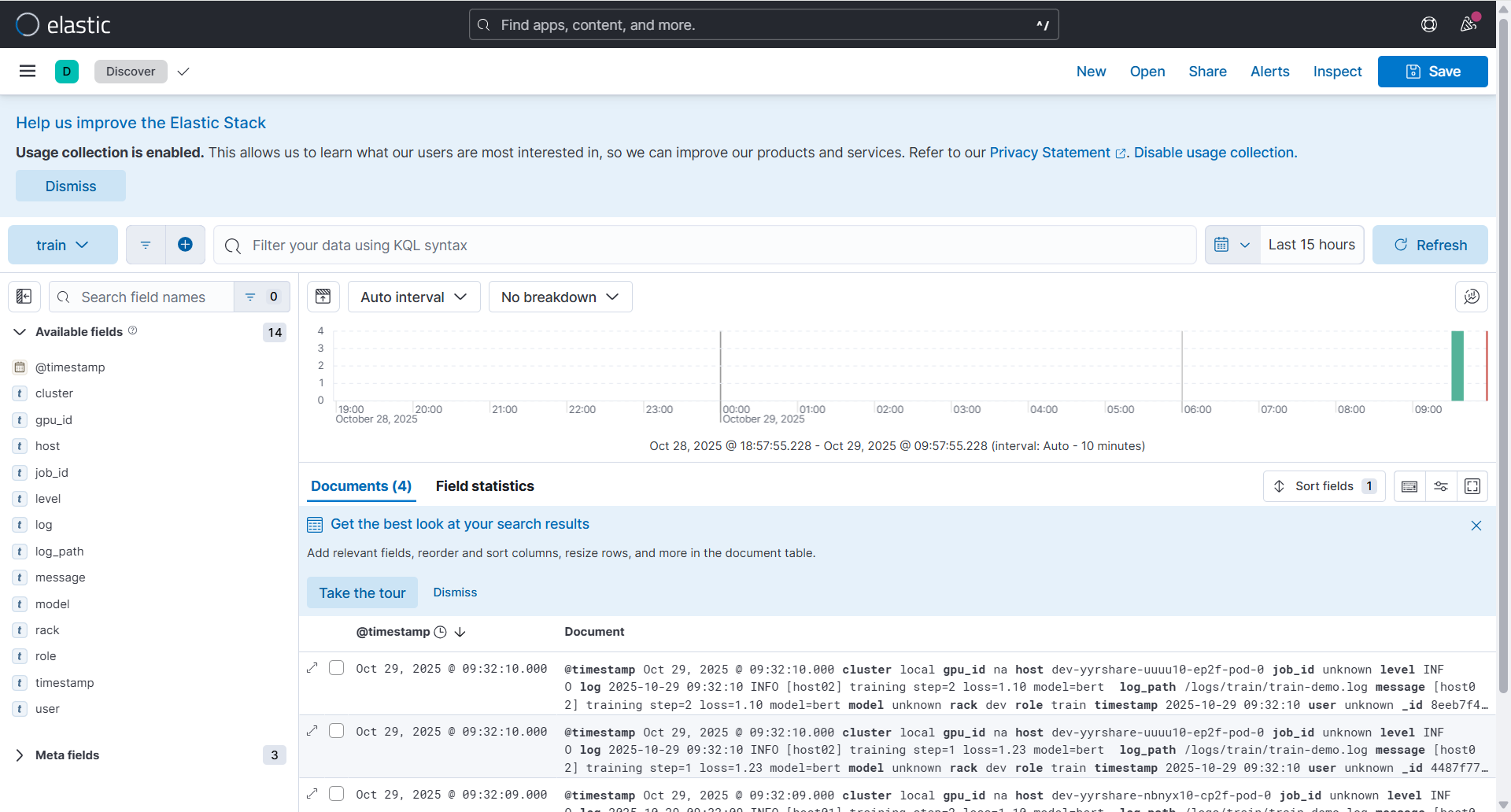 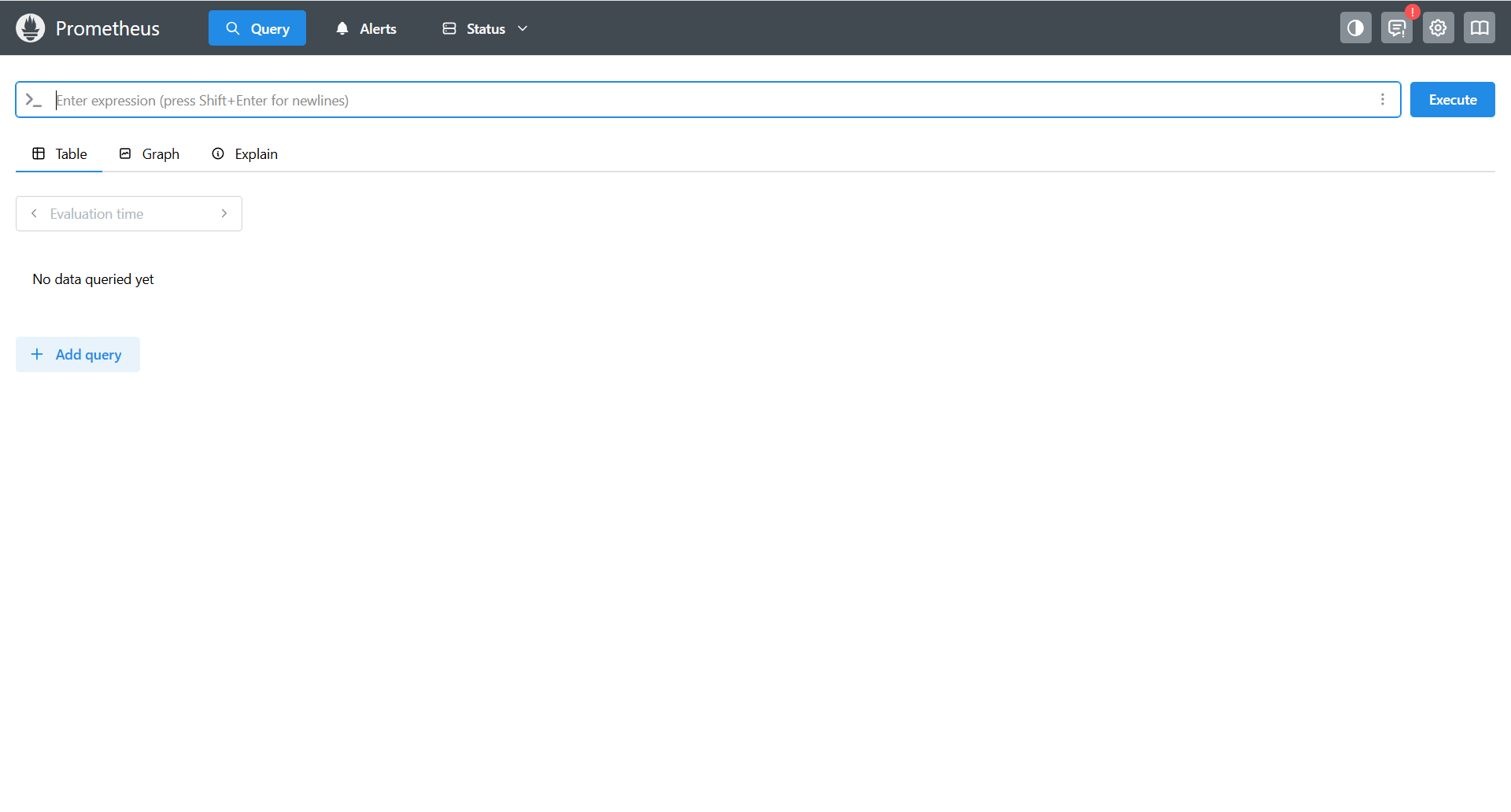 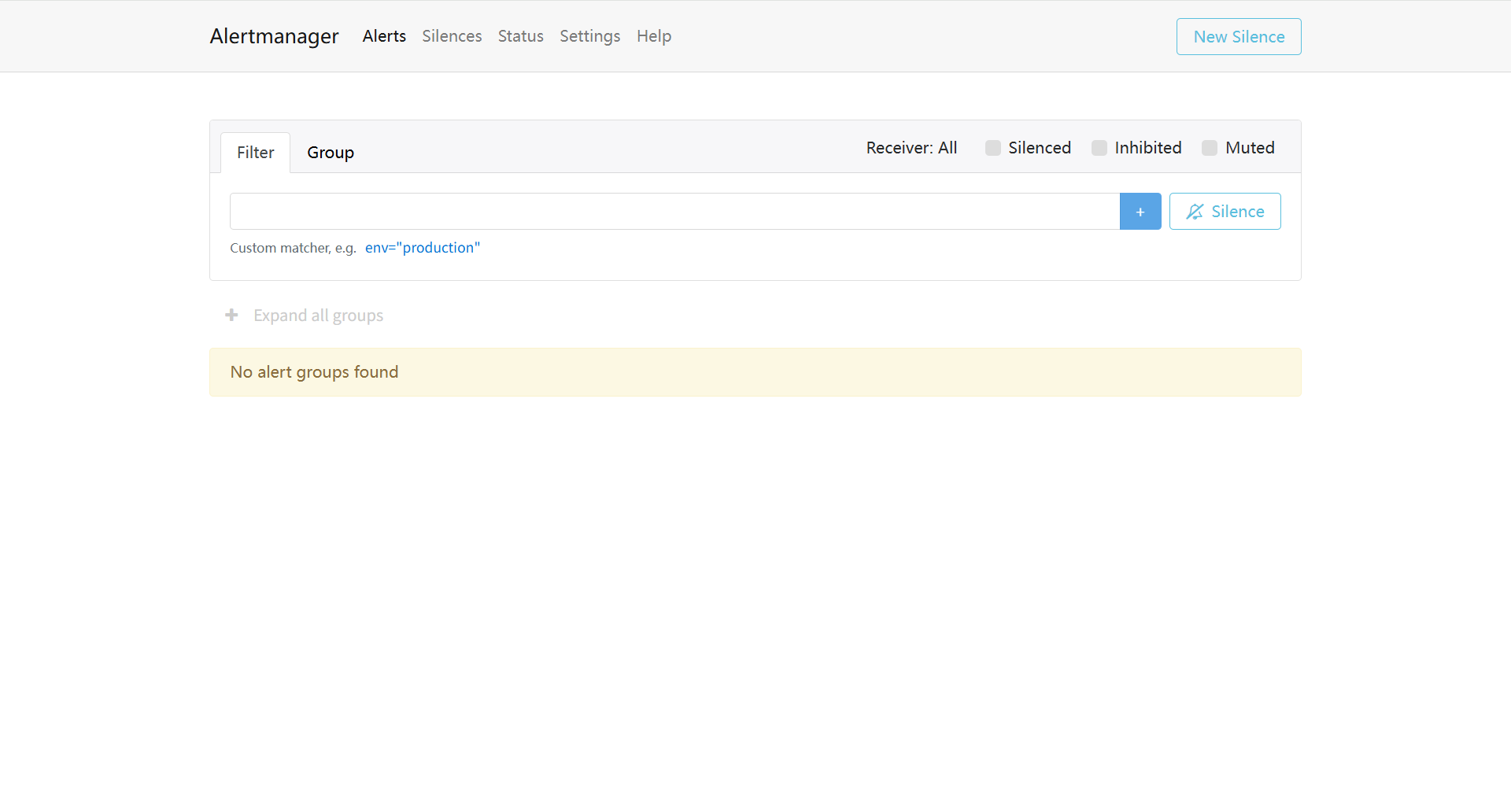 端到端测试通过: 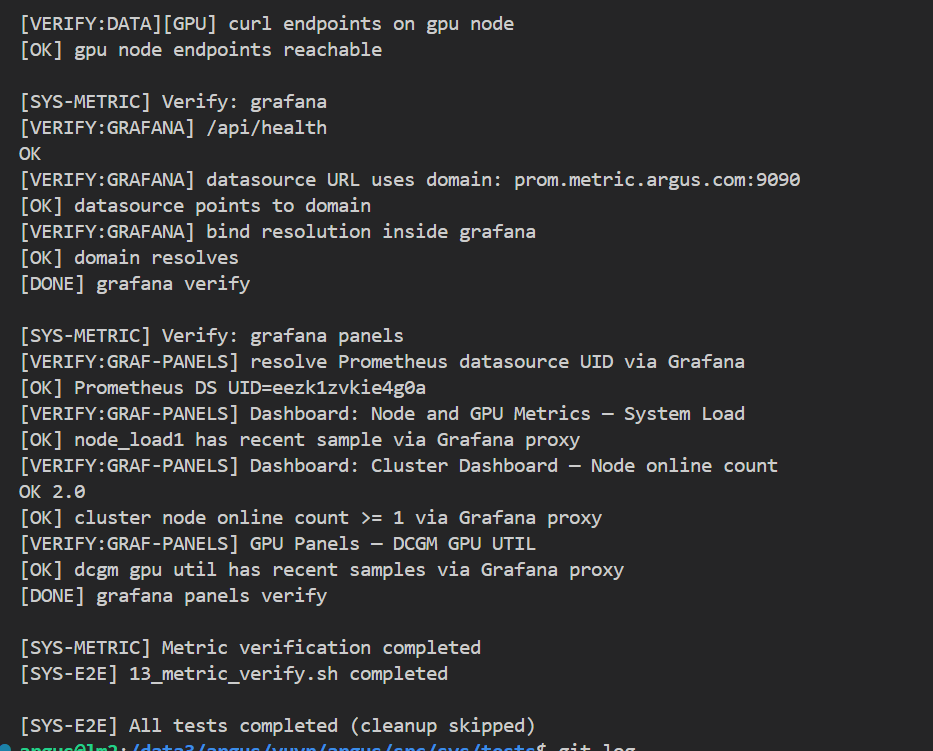 Co-authored-by: sundapeng.sdp <sundapeng@hashdata.cn> Reviewed-on: #35 Reviewed-by: xuxt <xuxt@zgclab.edu.cn> Reviewed-by: sundapeng <sundp@mail.zgclab.edu.cn> Reviewed-by: huhy <husteryezi@163.com>
97 lines
4.0 KiB
Docker
97 lines
4.0 KiB
Docker
# 基于 Ubuntu 24.04
|
||
FROM ubuntu:24.04
|
||
|
||
# 切换到 root 用户
|
||
USER root
|
||
|
||
# 安装必要依赖
|
||
RUN apt-get update && \
|
||
apt-get install -y wget supervisor net-tools inetutils-ping vim ca-certificates passwd && \
|
||
apt-get clean && rm -rf /var/lib/apt/lists/*
|
||
|
||
# 设置 Alertmanager 版本(与本地离线包保持一致)
|
||
ARG ALERTMANAGER_VERSION=0.28.1
|
||
|
||
# 使用仓库内预置的离线包构建(无需联网)
|
||
COPY src/alert/alertmanager/build/alertmanager-${ALERTMANAGER_VERSION}.linux-amd64.tar.gz /tmp/
|
||
RUN tar xvf /tmp/alertmanager-${ALERTMANAGER_VERSION}.linux-amd64.tar.gz -C /tmp && \
|
||
mv /tmp/alertmanager-${ALERTMANAGER_VERSION}.linux-amd64 /usr/local/alertmanager && \
|
||
rm -f /tmp/alertmanager-${ALERTMANAGER_VERSION}.linux-amd64.tar.gz
|
||
|
||
ENV ALERTMANAGER_BASE_PATH=/private/argus/alert/alertmanager
|
||
|
||
ARG ARGUS_BUILD_UID=2133
|
||
ARG ARGUS_BUILD_GID=2015
|
||
ENV ARGUS_BUILD_UID=${ARGUS_BUILD_UID}
|
||
ENV ARGUS_BUILD_GID=${ARGUS_BUILD_GID}
|
||
|
||
RUN mkdir -p /usr/share/alertmanager && \
|
||
mkdir -p ${ALERTMANAGER_BASE_PATH} && \
|
||
mkdir -p /private/argus/etc && \
|
||
rm -rf /alertmanager && \
|
||
ln -s ${ALERTMANAGER_BASE_PATH} /alertmanager
|
||
|
||
# 创建 alertmanager 用户(可自定义 UID/GID)
|
||
# 创建 alertmanager 用户组
|
||
RUN set -eux; \
|
||
# 确保目标 GID 存在;若已被占用,直接使用该 GID(组名不限)\
|
||
if ! getent group "${ARGUS_BUILD_GID}" >/dev/null; then \
|
||
groupadd -g "${ARGUS_BUILD_GID}" alertmanager || true; \
|
||
fi; \
|
||
# 确保存在 alertmanager 用户;若 UID 已被占用,跳过并继续使用现有 UID 的用户
|
||
if ! id alertmanager >/dev/null 2>&1; then \
|
||
if getent passwd "${ARGUS_BUILD_UID}" >/dev/null; then \
|
||
# UID 已占用,则创建同名用户但不指定 UID(避免冲突),仅保证 user 存在
|
||
useradd -M -s /usr/sbin/nologin -g "${ARGUS_BUILD_GID}" alertmanager || true; \
|
||
else \
|
||
useradd -M -s /usr/sbin/nologin -u "${ARGUS_BUILD_UID}" -g "${ARGUS_BUILD_GID}" alertmanager || true; \
|
||
fi; \
|
||
else \
|
||
usermod -g "${ARGUS_BUILD_GID}" alertmanager || true; \
|
||
fi
|
||
|
||
RUN chown -R "${ARGUS_BUILD_UID}:${ARGUS_BUILD_GID}" /usr/share/alertmanager /alertmanager ${ALERTMANAGER_BASE_PATH} /private/argus/etc /usr/local/bin || true
|
||
|
||
# 配置内网 apt 源 (如果指定了内网选项)
|
||
RUN if [ "$USE_INTRANET" = "true" ]; then \
|
||
echo "Configuring intranet apt sources..." && \
|
||
cp /etc/apt/sources.list /etc/apt/sources.list.bak && \
|
||
echo "deb [trusted=yes] http://10.68.64.1/ubuntu2204/ jammy main" > /etc/apt/sources.list && \
|
||
echo 'Acquire::https::Verify-Peer "false";' > /etc/apt/apt.conf.d/99disable-ssl-check && \
|
||
echo 'Acquire::https::Verify-Host "false";' >> /etc/apt/apt.conf.d/99disable-ssl-check; \
|
||
fi
|
||
|
||
|
||
# 配置部署时使用的 apt 源
|
||
RUN if [ "$USE_INTRANET" = "true" ]; then \
|
||
echo "deb [trusted=yes] https://10.92.132.52/mirrors/ubuntu2204/ jammy main" > /etc/apt/sources.list; \
|
||
fi
|
||
|
||
# 创建 supervisor 日志目录
|
||
RUN mkdir -p /var/log/supervisor
|
||
|
||
# 复制 supervisor 配置文件
|
||
COPY src/alert/alertmanager/build/supervisord.conf /etc/supervisor/conf.d/supervisord.conf
|
||
|
||
# 复制启动脚本
|
||
COPY src/alert/alertmanager/build/start-am-supervised.sh /usr/local/bin/start-am-supervised.sh
|
||
RUN chmod +x /usr/local/bin/start-am-supervised.sh
|
||
|
||
# 复制 Alertmanager 配置文件
|
||
COPY src/alert/alertmanager/build/alertmanager.yml /etc/alertmanager/alertmanager.yml
|
||
RUN chmod +x /etc/alertmanager/alertmanager.yml
|
||
# COPY src/alert/alertmanager/build/alertmanager.yml ${ALERTMANAGER_BASE_PATH}/alertmanager.yml
|
||
|
||
# 复制 DNS 监控脚本
|
||
COPY src/alert/alertmanager/build/dns-monitor.sh /usr/local/bin/dns-monitor.sh
|
||
RUN chmod +x /usr/local/bin/dns-monitor.sh
|
||
|
||
# 保持 root 用户,由 supervisor 控制 user 切换
|
||
USER root
|
||
|
||
# 暴露端口(Alertmanager 默认端口 9093)
|
||
EXPOSE 9093
|
||
|
||
# 使用 supervisor 作为入口点
|
||
CMD ["/usr/bin/supervisord", "-c", "/etc/supervisor/conf.d/supervisord.conf"]
|