 yuyr
59a38513a4
yuyr
59a38513a4
测试方案: - lm2机器端口映射到本机:18080, 18081, 8082-8085 - 访问URL: http://localhost:18080/dashboard 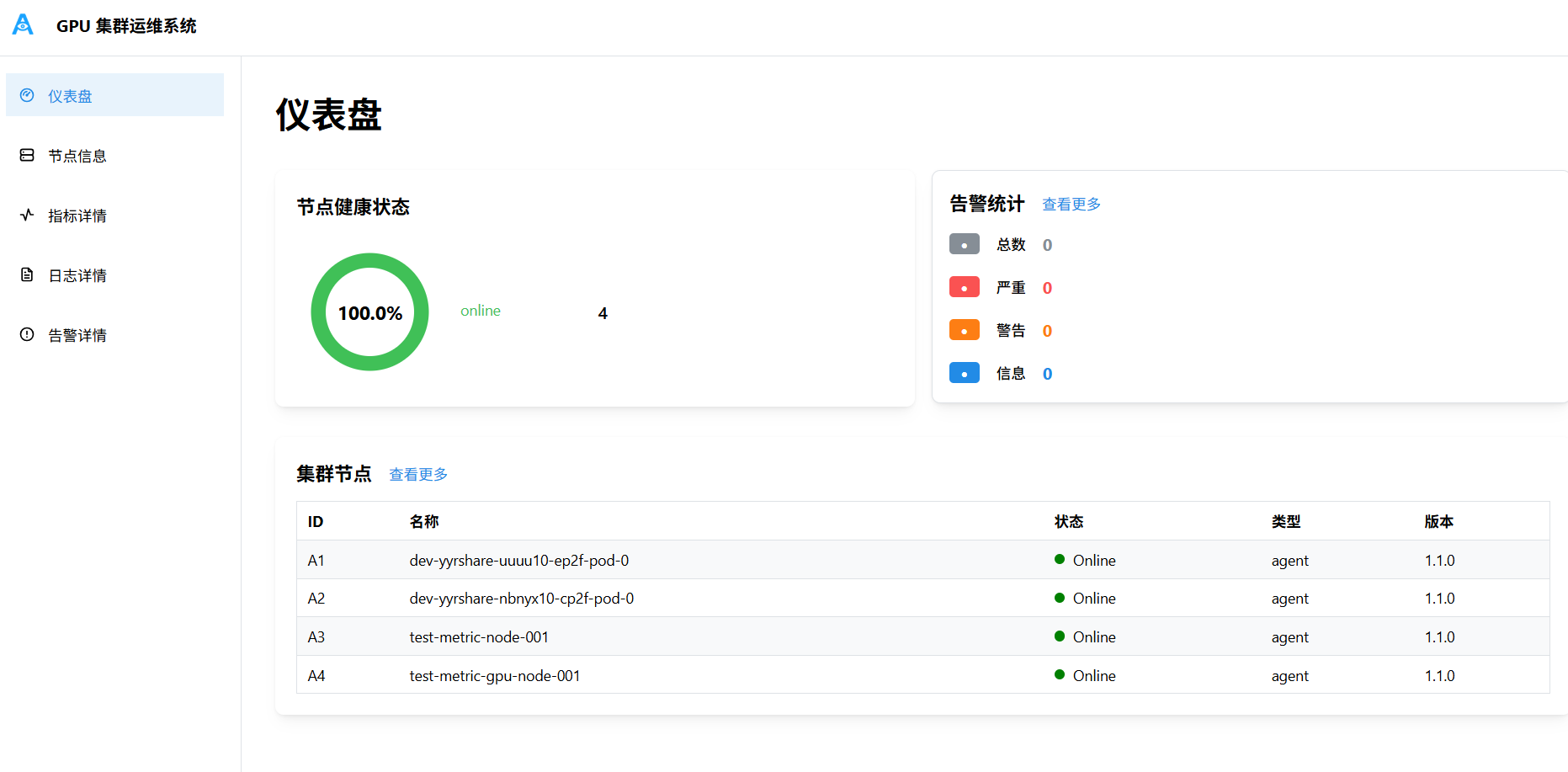 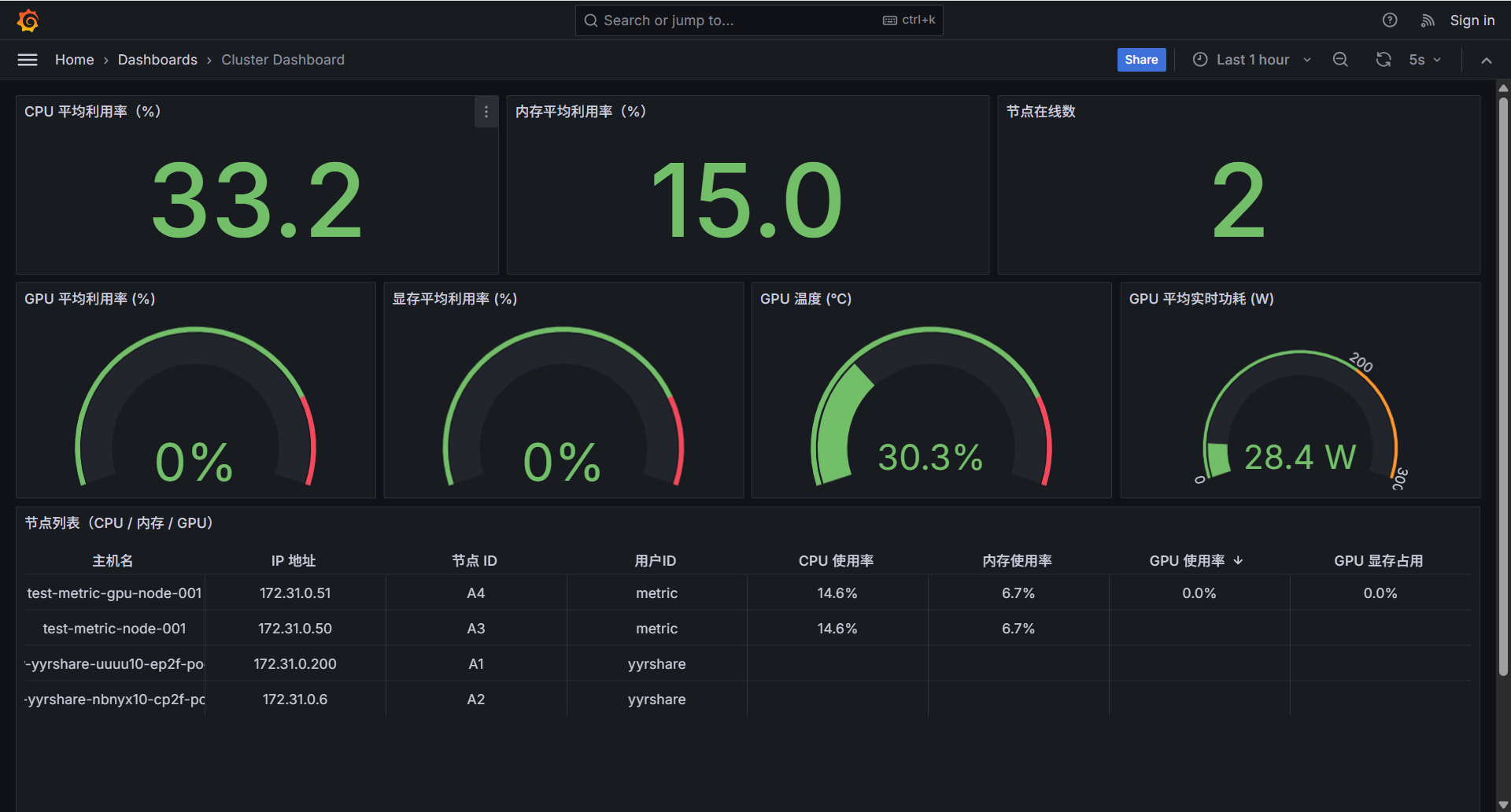 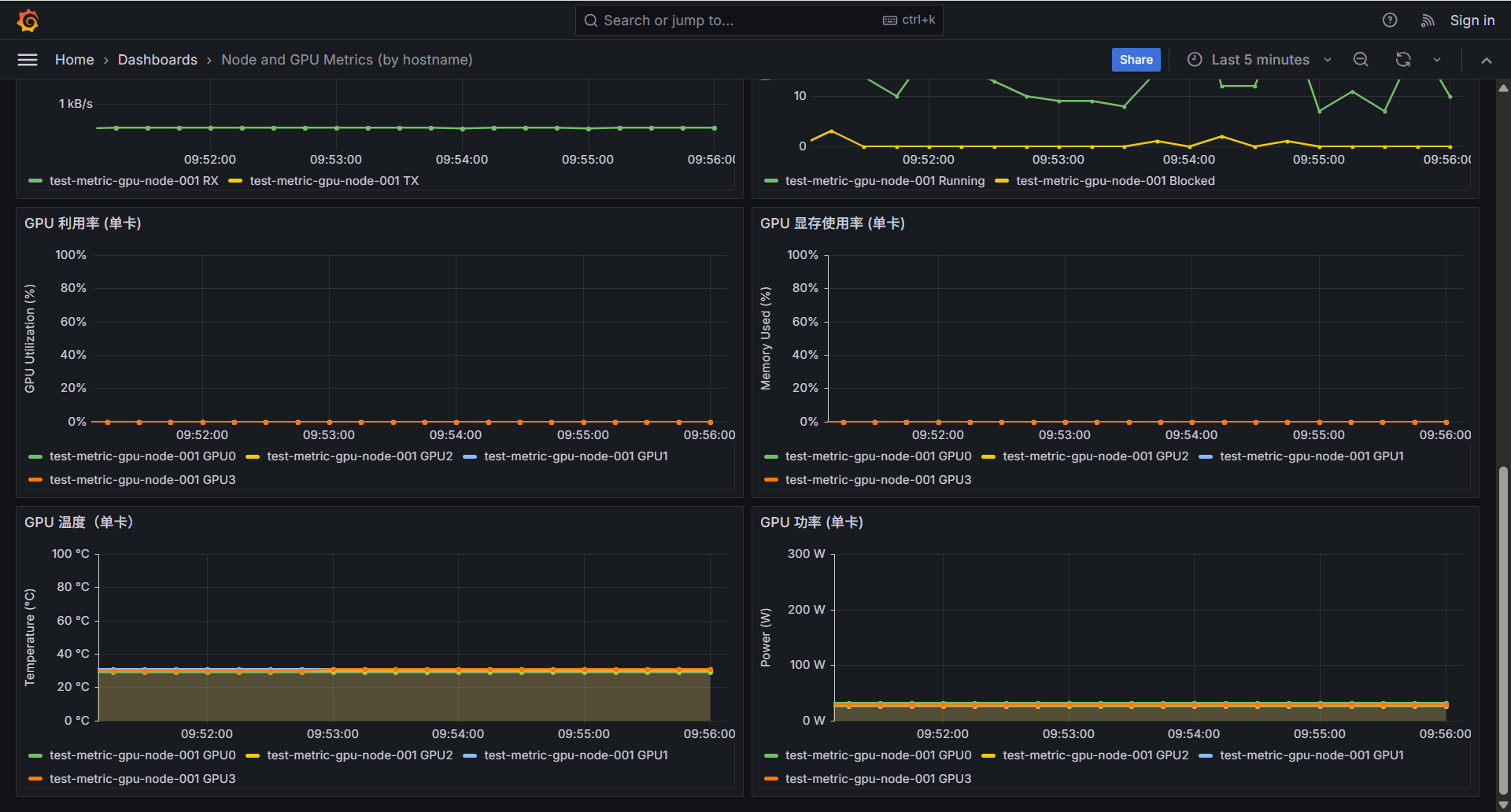 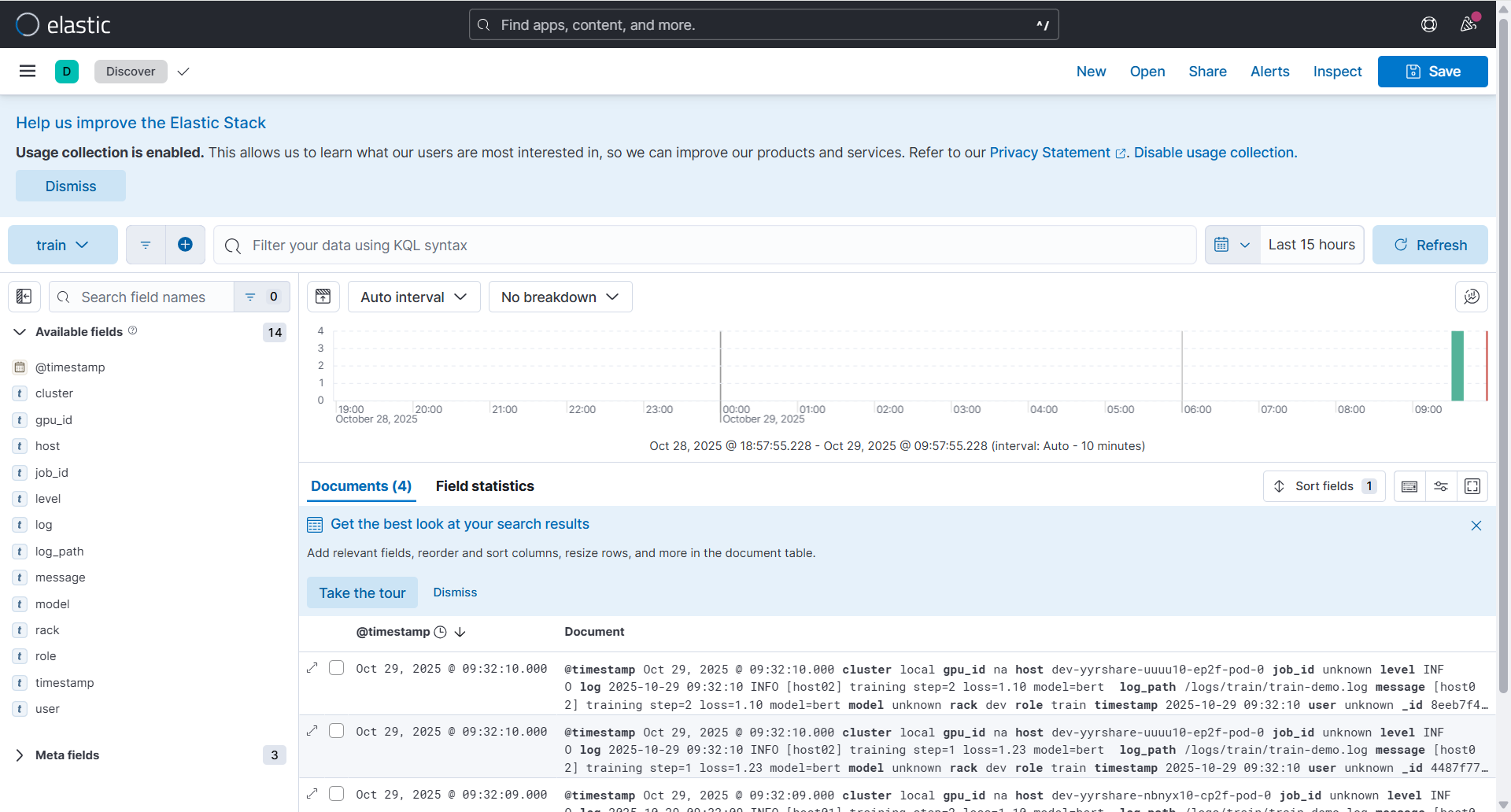 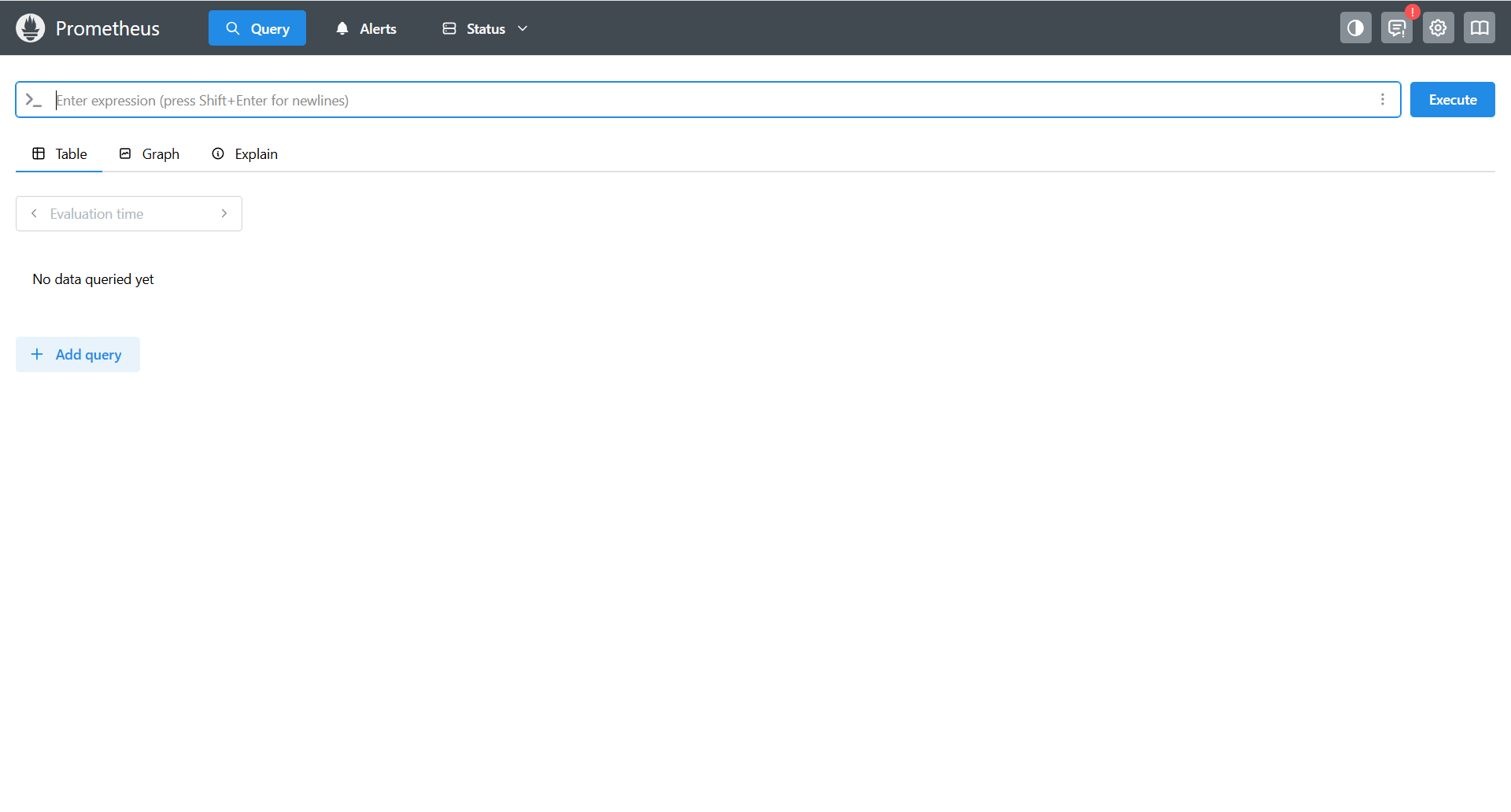 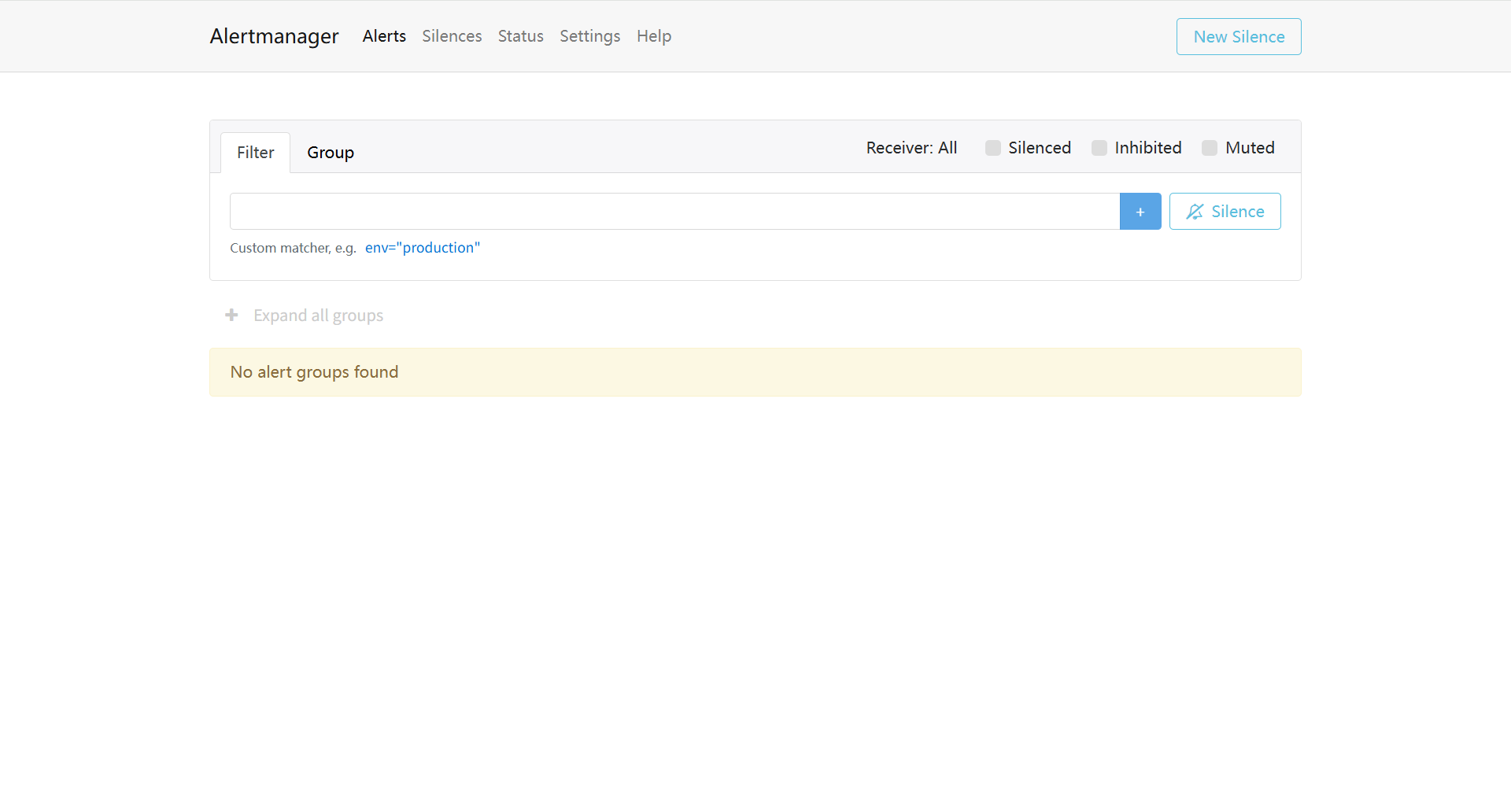 端到端测试通过: 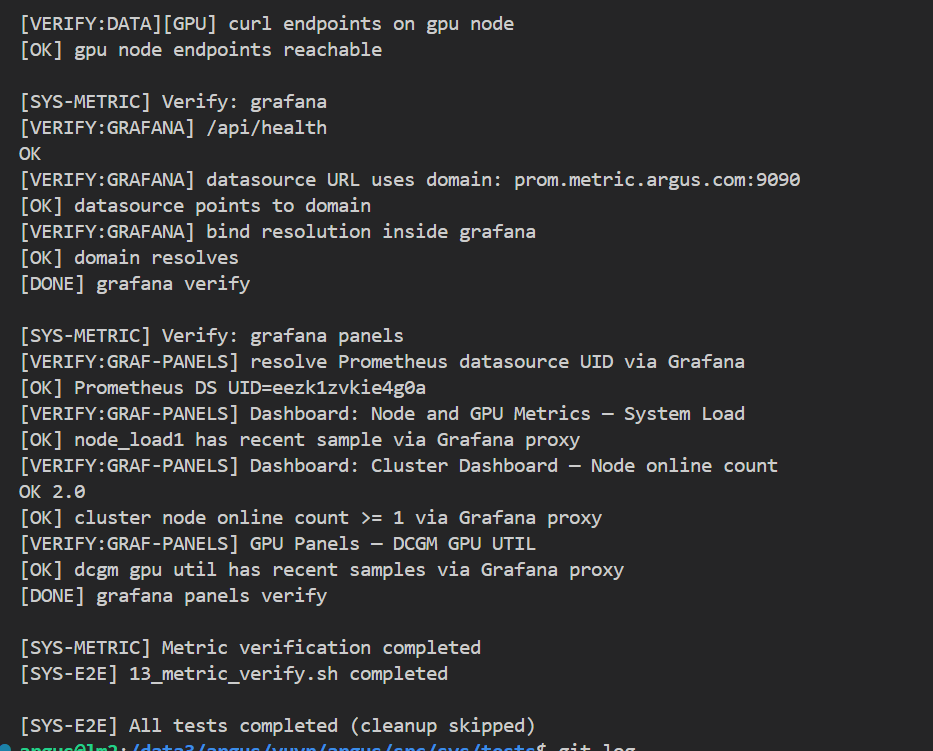 Co-authored-by: sundapeng.sdp <sundapeng@hashdata.cn> Reviewed-on: #35 Reviewed-by: xuxt <xuxt@zgclab.edu.cn> Reviewed-by: sundapeng <sundp@mail.zgclab.edu.cn> Reviewed-by: huhy <husteryezi@163.com>
91 lines
3.0 KiB
Docker
91 lines
3.0 KiB
Docker
FROM ubuntu:22.04
|
|
|
|
# Set timezone and avoid interactive prompts
|
|
ENV DEBIAN_FRONTEND=noninteractive
|
|
ENV TZ=Asia/Shanghai
|
|
|
|
# 设置构建参数
|
|
ARG USE_INTRANET=false
|
|
ARG ARGUS_BUILD_UID=2133
|
|
ARG ARGUS_BUILD_GID=2015
|
|
|
|
ENV ARGUS_BUILD_UID=${ARGUS_BUILD_UID} \
|
|
ARGUS_BUILD_GID=${ARGUS_BUILD_GID}
|
|
|
|
# 配置内网 apt 源 (如果指定了内网选项)
|
|
RUN if [ "$USE_INTRANET" = "true" ]; then \
|
|
echo "Configuring intranet apt sources..." && \
|
|
cp /etc/apt/sources.list /etc/apt/sources.list.bak && \
|
|
echo "deb [trusted=yes] http://10.68.64.1/ubuntu2204/ jammy main" > /etc/apt/sources.list && \
|
|
echo 'Acquire::https::Verify-Peer "false";' > /etc/apt/apt.conf.d/99disable-ssl-check && \
|
|
echo 'Acquire::https::Verify-Host "false";' >> /etc/apt/apt.conf.d/99disable-ssl-check; \
|
|
fi
|
|
|
|
# Update package list and install required packages
|
|
RUN apt-get update && \
|
|
apt-get install -y \
|
|
bind9 \
|
|
bind9utils \
|
|
dnsutils \
|
|
bind9-doc \
|
|
supervisor \
|
|
net-tools \
|
|
inetutils-ping \
|
|
vim \
|
|
&& apt-get clean \
|
|
&& rm -rf /var/lib/apt/lists/*
|
|
|
|
# 调整 bind 用户与用户组 ID 以匹配宿主机配置
|
|
RUN set -eux; \
|
|
current_gid="$(getent group bind | awk -F: '{print $3}')"; \
|
|
if [ -z "$current_gid" ]; then \
|
|
groupadd -g "${ARGUS_BUILD_GID}" bind; \
|
|
elif [ "$current_gid" != "${ARGUS_BUILD_GID}" ]; then \
|
|
groupmod -g "${ARGUS_BUILD_GID}" bind; \
|
|
fi; \
|
|
if id bind >/dev/null 2>&1; then \
|
|
current_uid="$(id -u bind)"; \
|
|
if [ "$current_uid" != "${ARGUS_BUILD_UID}" ]; then \
|
|
usermod -u "${ARGUS_BUILD_UID}" bind; \
|
|
fi; \
|
|
else \
|
|
useradd -m -u "${ARGUS_BUILD_UID}" -g "${ARGUS_BUILD_GID}" bind; \
|
|
fi; \
|
|
chown -R "${ARGUS_BUILD_UID}:${ARGUS_BUILD_GID}" /var/cache/bind /var/lib/bind
|
|
|
|
# 配置部署时使用的apt源
|
|
RUN if [ "$USE_INTRANET" = "true" ]; then \
|
|
echo "deb [trusted=yes] https://10.92.132.52/mirrors/ubuntu2204/ jammy main" > /etc/apt/sources.list; \
|
|
fi
|
|
|
|
# Create supervisor configuration directory
|
|
RUN mkdir -p /etc/supervisor/conf.d
|
|
|
|
# Copy supervisor configuration
|
|
COPY src/bind/build/supervisord.conf /etc/supervisor/conf.d/supervisord.conf
|
|
|
|
# Copy BIND9 configuration files
|
|
COPY src/bind/build/named.conf.local /etc/bind/named.conf.local
|
|
COPY src/bind/build/db.argus.com /etc/bind/db.argus.com
|
|
|
|
# Copy startup and reload scripts
|
|
COPY src/bind/build/startup.sh /usr/local/bin/startup.sh
|
|
COPY src/bind/build/reload-bind9.sh /usr/local/bin/reload-bind9.sh
|
|
COPY src/bind/build/argus_dns_sync.sh /usr/local/bin/argus_dns_sync.sh
|
|
COPY src/bind/build/update-dns.sh /usr/local/bin/update-dns.sh
|
|
|
|
# Make scripts executable
|
|
RUN chmod +x /usr/local/bin/startup.sh /usr/local/bin/reload-bind9.sh /usr/local/bin/argus_dns_sync.sh /usr/local/bin/update-dns.sh
|
|
|
|
# Set proper ownership for BIND9 files
|
|
RUN chown bind:bind /etc/bind/named.conf.local /etc/bind/db.argus.com
|
|
|
|
# Expose DNS port
|
|
EXPOSE 53/tcp 53/udp
|
|
|
|
# Use root user as requested
|
|
USER root
|
|
|
|
# Start with startup script
|
|
CMD ["/usr/local/bin/startup.sh"]
|